


Pay with a single tap
Piqup Pay is the payment system of the Piqup app. Add your card once; pay for rentals in one tap with your card or with a balance you top up.

Why Piqup Pay?
Your card stays saved, paying is one tap. You see every transaction in the app.

- Pay with your card or balanceYou choose the method: the card you added to Piqup Pay or the balance you topped up.
- Refund what you don't useFor unused balance, you create a refund request in the Help section; the refund goes to the card you topped up with.
- Auto top-upWhen your balance runs low, your chosen amount is added automatically.
- Every transaction on one screenTop-ups, payments and refunds in My transactions.
You earn with Piqup Rewards
Your reward balance in Piqup Pay shows on its own line above your balance. You see each reward you earn in your transactions.
- Top up and earnAs you top up Piqup Pay, Piqup Rewards are added to your account.
- Invite a friendWhen your friend joins with your invite and makes their first paid rental, you both earn Piqup Rewards.
- Your reward goes firstFor rental payments, Piqup Rewards are used first, then your balance. Your reward never expires.
How it works
Your card stays saved in Piqup Pay. When the rental ends, the fee is taken from the method you chose: your card or your balance.
Scan the QR
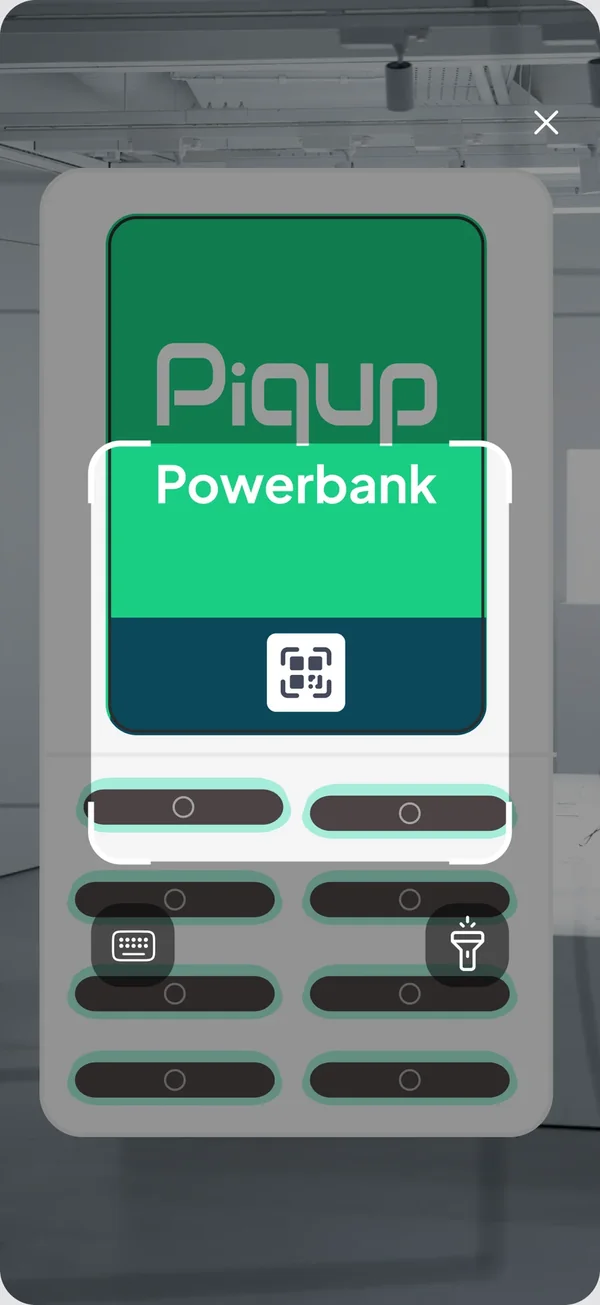
Scan the QR code on the station with the app. Your payment method is ready: your card in Piqup Pay or your balance.
Take the powerbank
Take the powerbank that comes out of the slot and your rental starts.
Return it, pay with Piqup Pay
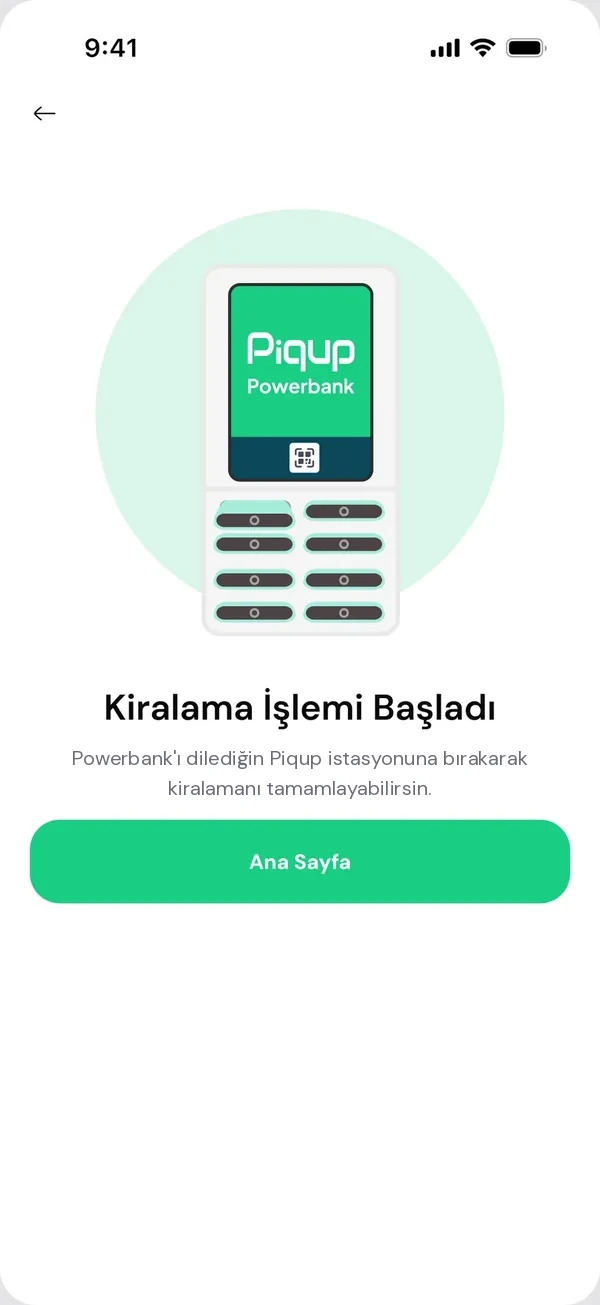
Return it to any Piqup station. The fee is taken from the method you chose and shown in the transaction details.
The same Piqup Pay for every service
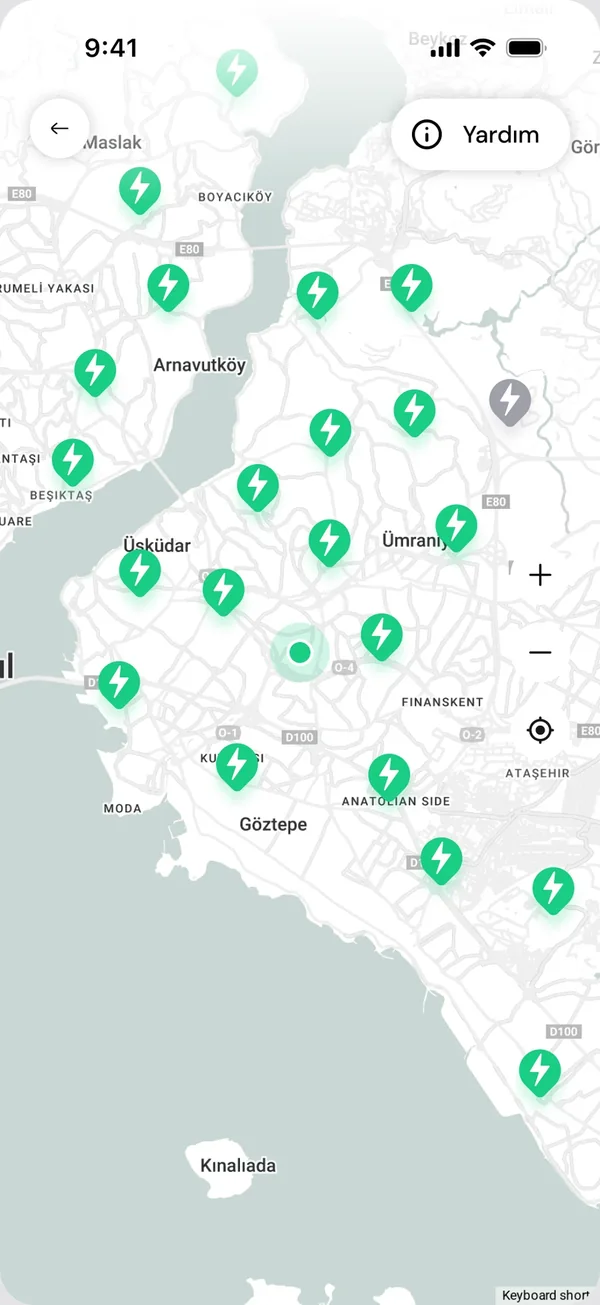
Piqup Pay works for powerbank rentals today. Our goal is for new services added to Piqup to work with the same card, balance and account too.
Piqup app- Your cardAdd it once
- Piqup PayPay with your card or balance
- PowerbankPay for your rental in one tap
- New servicesComing soon, with the same Piqup Pay
Auto top-up
When your balance drops below your chosen threshold, the amount you picked is topped up from your card automatically. No more wondering if your balance will cover the rental. Turn it off anytime.
- You set the threshold and amountYou choose how much to top up once your balance drops below a set amount.
- A notification with every top-upThe amount and card details, instantly on your phone.
- Turn it off with one tapUsing the switch on the Piqup Pay page.

For your safety
- Your card details aren't stored by PiqupThey're kept by the payment provider. In the app you only see the last four digits of your card.
- A notification for every top-upThe amount and card details on your phone instantly. You spot an unfamiliar transaction right away.
- You're in controlTurn auto top-up on or off; for unused balance, you can create a refund request.
 Piqup Pay
 questions
For any question about payments and refunds, Help in the app is open 24/7.
What is Piqup Rewards?
Your rewards balance in Piqup Pay. You earn it as you top up and when you invite a friend. It never expires, it's used first when you rent, and it can't be refunded to your card.
What can I pay for with my Piqup Pay balance?
Powerbank rentals, for now. Your balance can only be used within Piqup and can't be transferred to anyone else.
Can I get back the balance I topped up?
Yes. For unused balance, you create a refund request in the Help section of the app. The refund goes to the card you topped up with.
Are there top-up limits?
Yes. You'll see the per top-up and total limits on the top-up screen in the app.
Do I need a card?
Yes. You need a card saved in Piqup Pay to rent. You can pay with that card or with the balance you top up.
Do I need a separate app for Piqup Pay?
No. Piqup Pay is inside the Piqup app. You use it with the same account.