


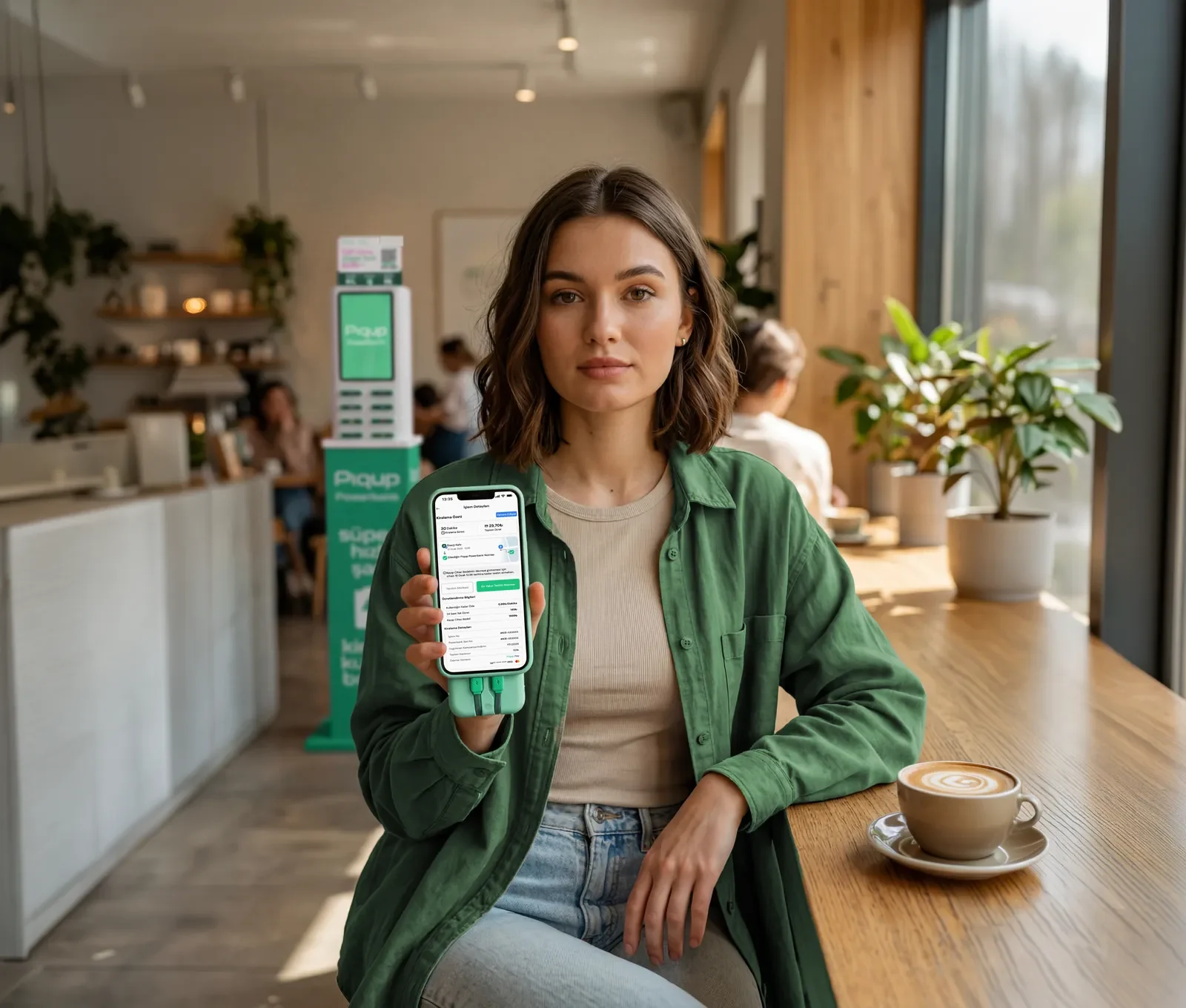
Charging and payments in one app
See the nearest station on the map, scan the QR and grab your powerbank. Paying with Piqup Pay takes one tap.
What's in the app?
Rentals, payments, history and support. All in one account, in one app.

Rent a powerbank
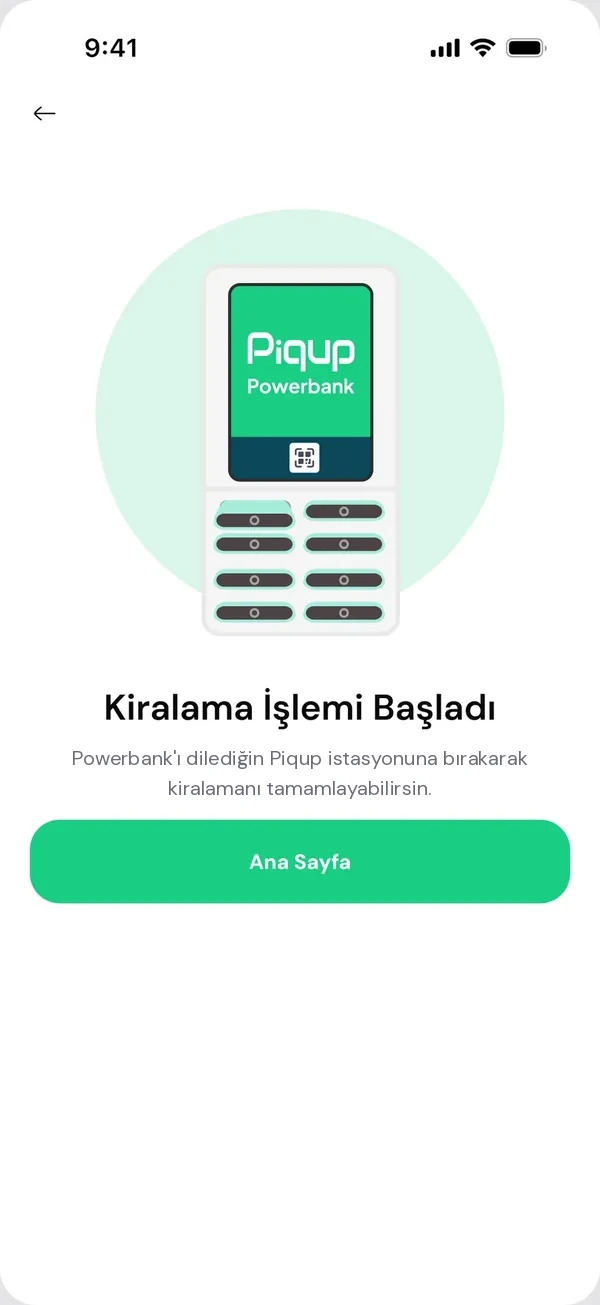
Grab one at the nearest station, drop it at any station when you're done.
PowerbankPiqup Pay
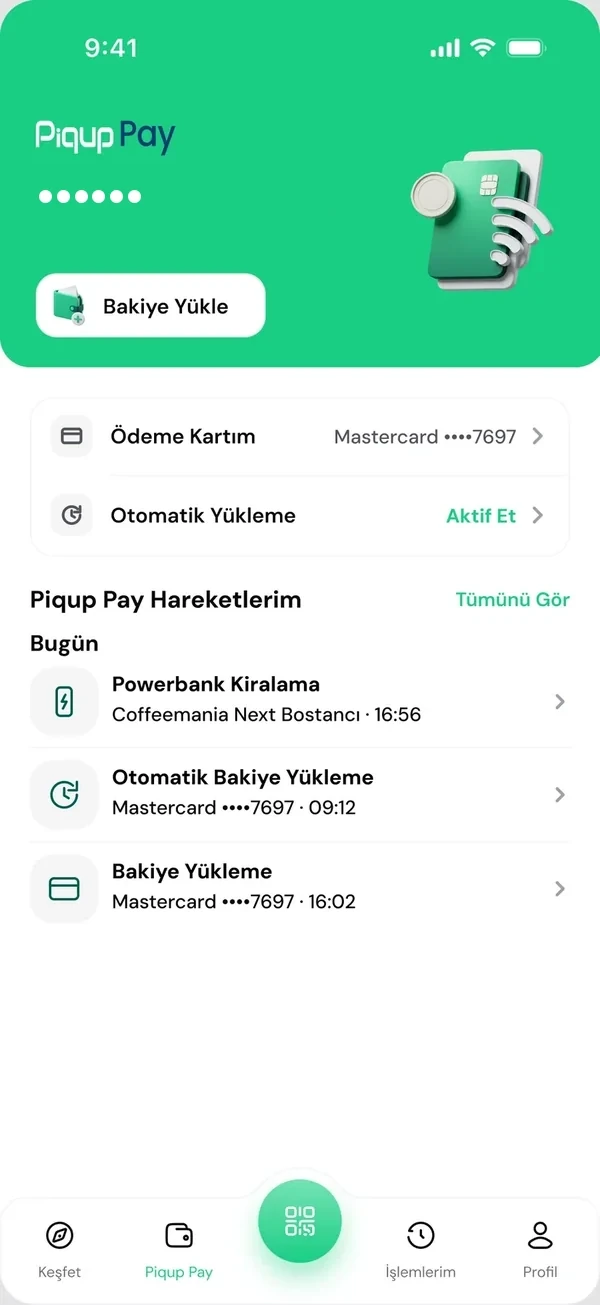
Pay with your card or balance in one tap.
- Station mapIs it open, are there free slots? See before you go.
- My transactionsThe start, end and payment of every rental on one screen.
- 24/7 helpYour request reaches the team along with your rental record.
New services are coming
With the same account and the same Piqup Pay. We'll announce new services in the app and in News.
One account, one Piqup Pay
You add your card to Piqup Pay once; you can top up a balance too. The same card and balance work for powerbank rentals today and for every service Piqup adds tomorrow.
Meet Piqup Pay- Your cardAdd it once
- Piqup PayPay with your card or balance
- PowerbankPay for your rental in one tap
- New servicesComing soon, with the same Piqup Pay
First time? Three steps
Sign up, add your card and scan your first QR. Every rental after that is just one QR.
Download and sign up
Download from the App Store or Google Play and sign up with your phone number.
Add your card
Add your card once. Top up Piqup Pay if you like.
Scan your first QR
Scan the QR at the station and the powerbank slides out of its slot.

Your account is safe
Your card, your records and your support requests in one account.
- Your card details are never stored by PiqupThey stay with the payment provider. In the app you only see the last four digits of your card.
- A notification for every transactionRentals, top-ups and refunds, instantly on your phone.
- A record of every rentalMy transactions shows the start, end and payment method.
- 24/7 helpMessage us from Help in the app.
App questions
For anything you can't find here, Help in the app is open 24/7.
Is the Piqup app free?
Downloading and signing up are free. You see the rental fee in the app before you rent, when you pick a station.
Which phones does it work with?
Get it from the App Store on iPhone, or from Google Play on Android phones.
What do I need to open an account?
Your phone number. Verify it with the code we send, then add your card.
Do I need a separate app for Piqup Pay?
No. Piqup Pay is inside the Piqup app. You use it with the same account.
When are new services coming?
We announce new services in the app and on the News page. Our goal is for every new service to work with the same account and the same Piqup Pay payment system.