22,5W
Super fast charging
Full speed on phones that support fast charging. Your phone fills up before your coffee's gone.
Language
 Rent a powerbank
 Piqup Pay
 App
 Safety
 Overview
 A station for your business
 Events
 Franchise
 Our partners
 About us
 News
 Brand and press
 Contact
 Help center
Language
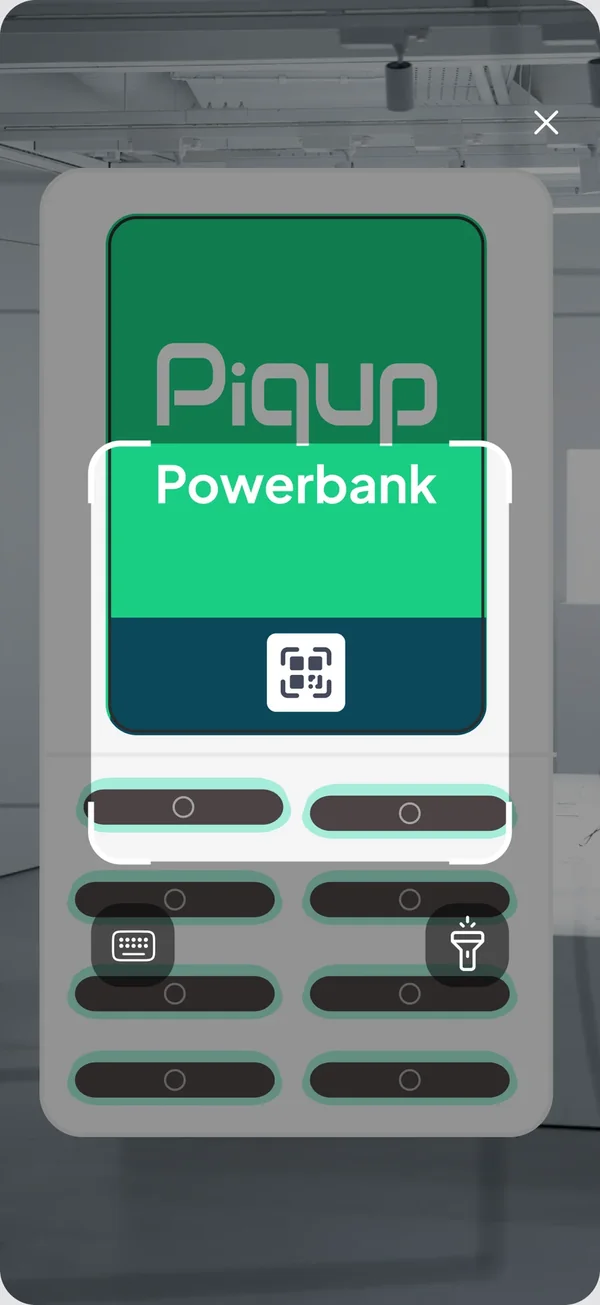
Download the appWhen your battery runs low, there's no need to hunt around. See the nearest Piqup station in the app, scan the QR and get a powerbank in seconds. You pay by the minute, with no deposit and no prepayment.
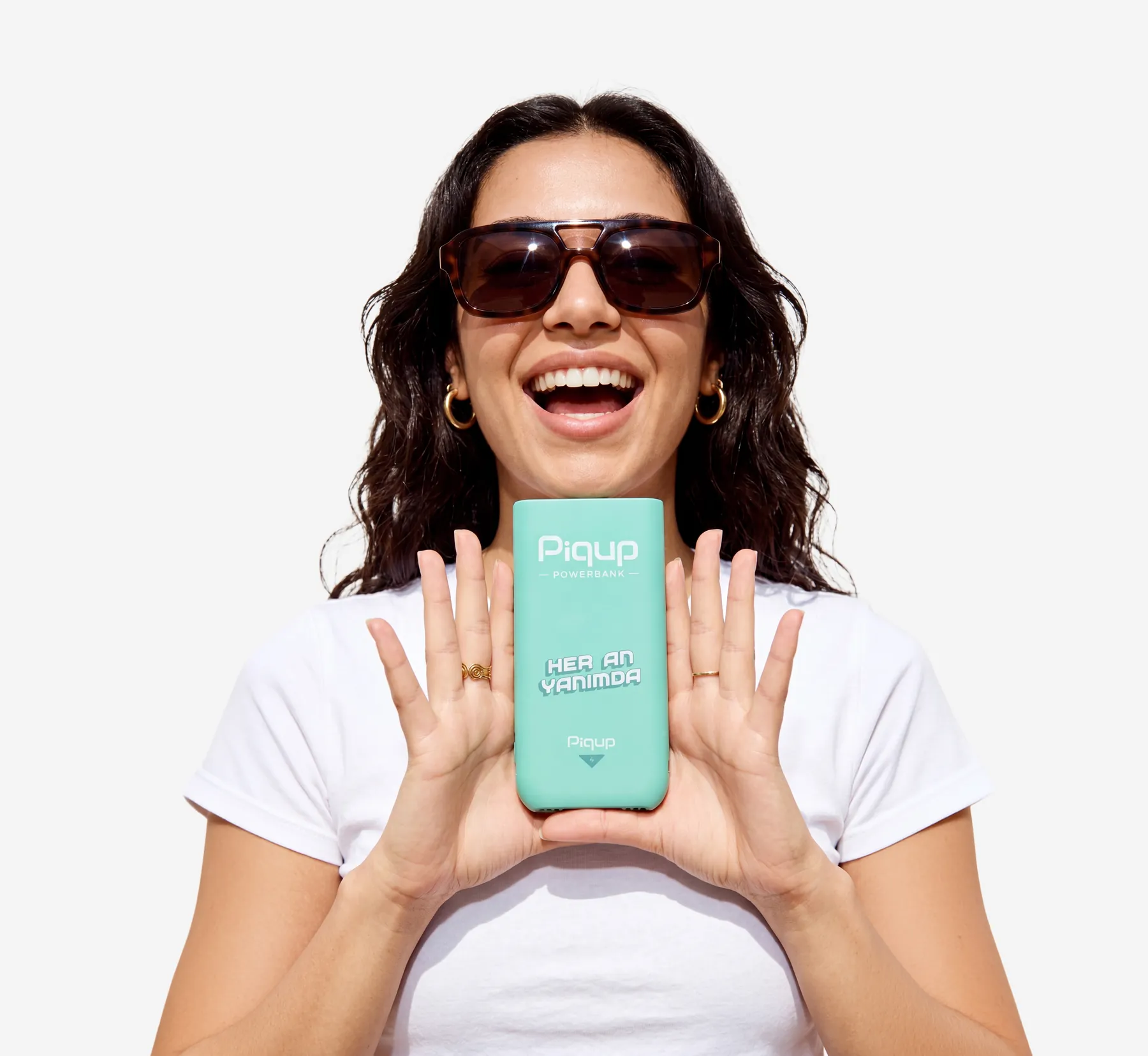
Your battery usually dies at the worst moment. Piqup is made for that moment: find a station fast, grab a powerbank in seconds, drop it at one on your way.
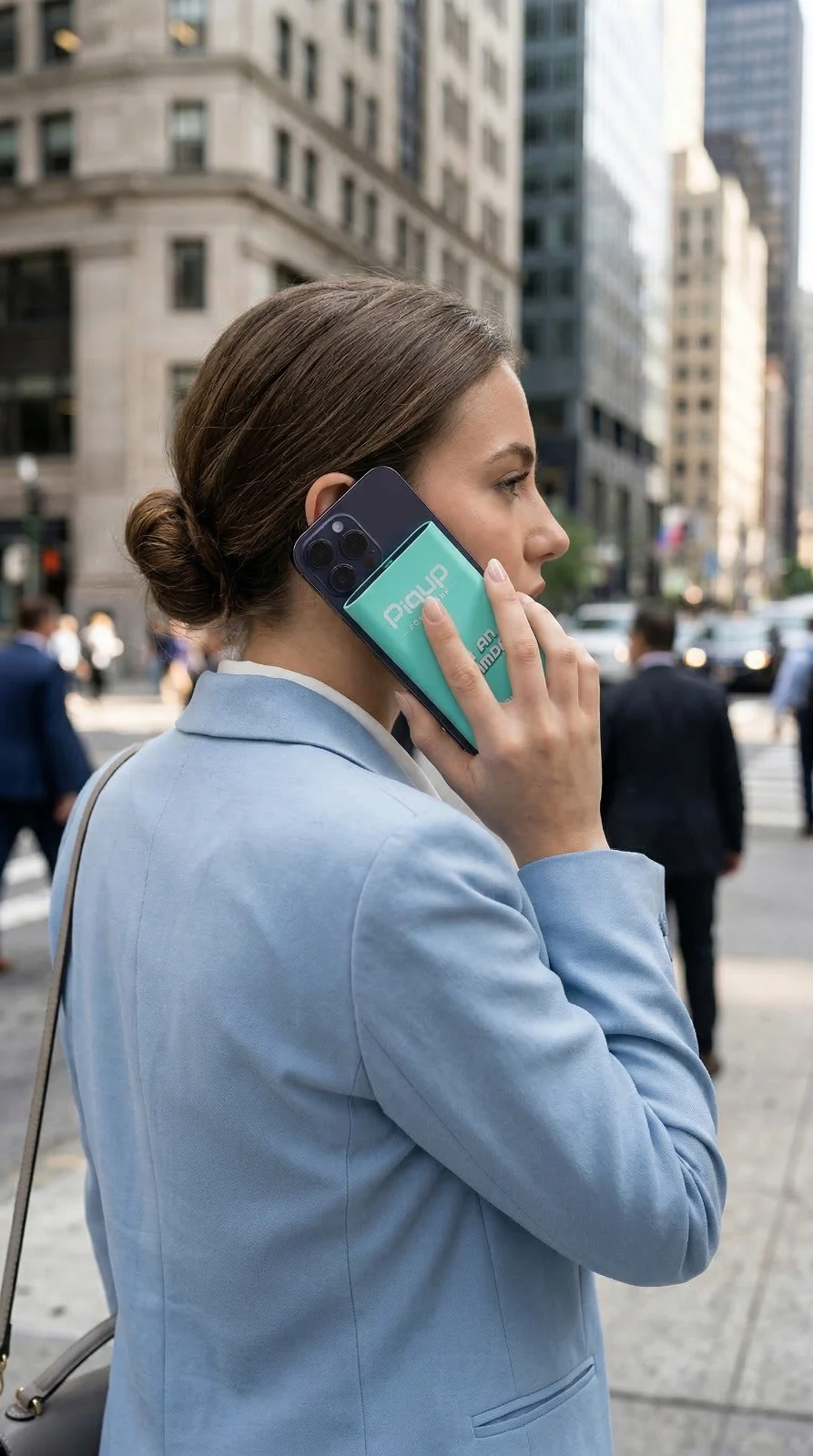
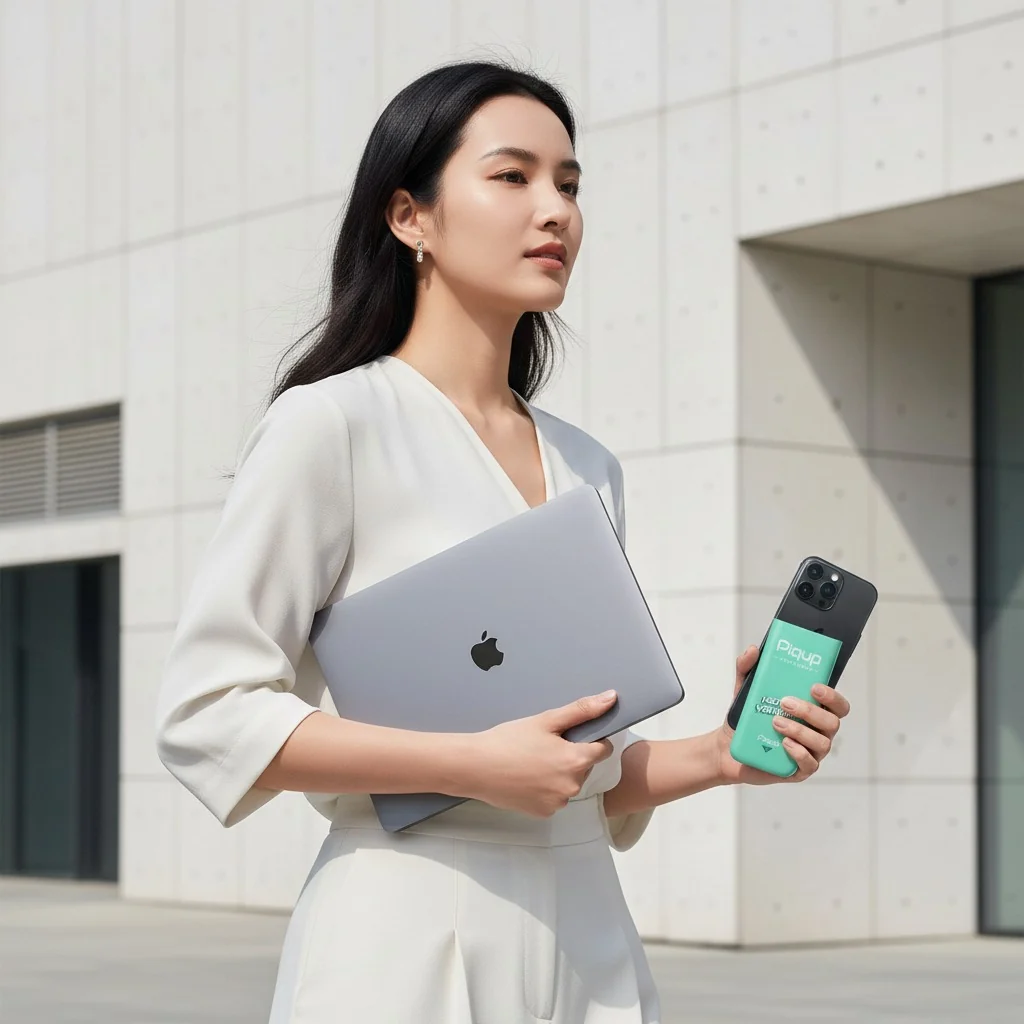

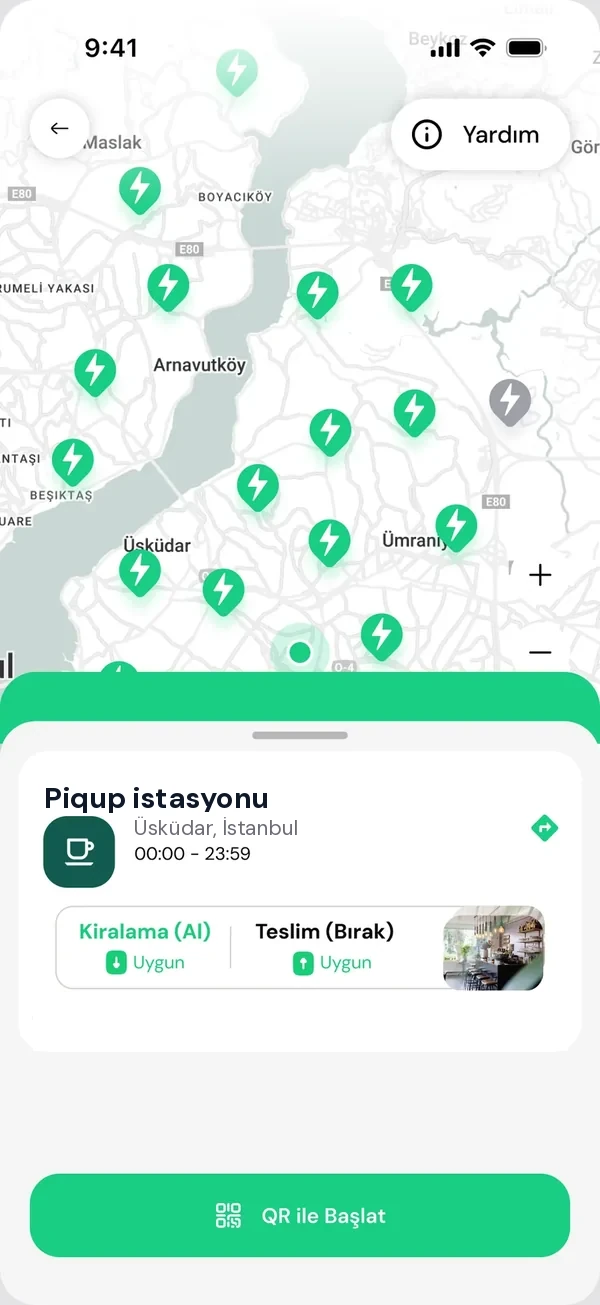
See the nearest station in the app and scan the QR. The powerbank is in your hand in seconds; when you're done, drop it at any station you like.
Pricing is per minute. When the rental ends, you pay only for the time you used; no deposit, no prepayment.
Same rental, 37 minutes
| Piqup | Apps with block pricing | |
|---|---|---|
| Price | Per minute | 30 minute blocks |
| Deposit | None | Possibly |
| Prepayment | None | Possibly |
The example is based on an app that uses 30-minute block pricing. You see the Piqup per-minute price in the app before renting, when you select the station.
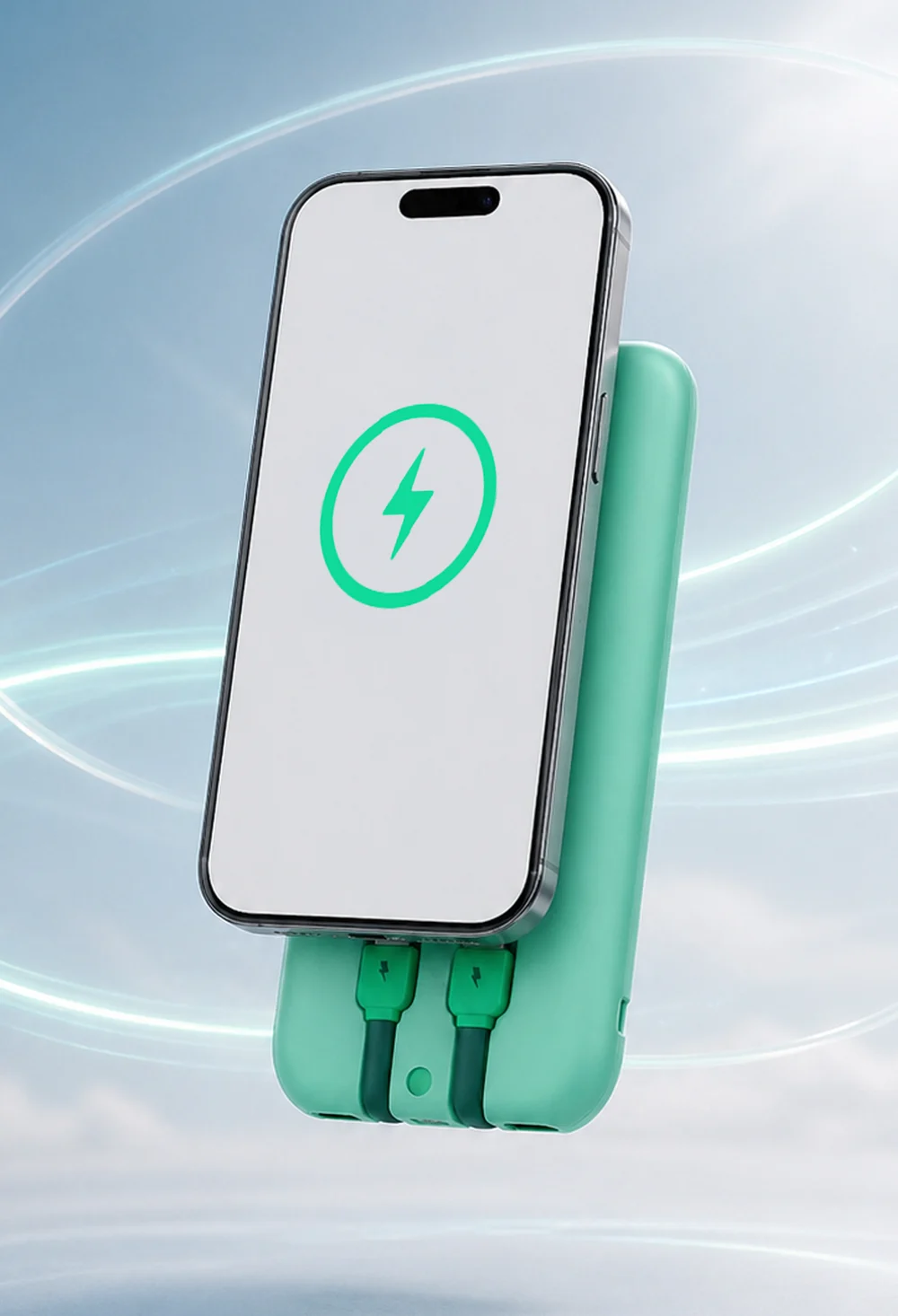
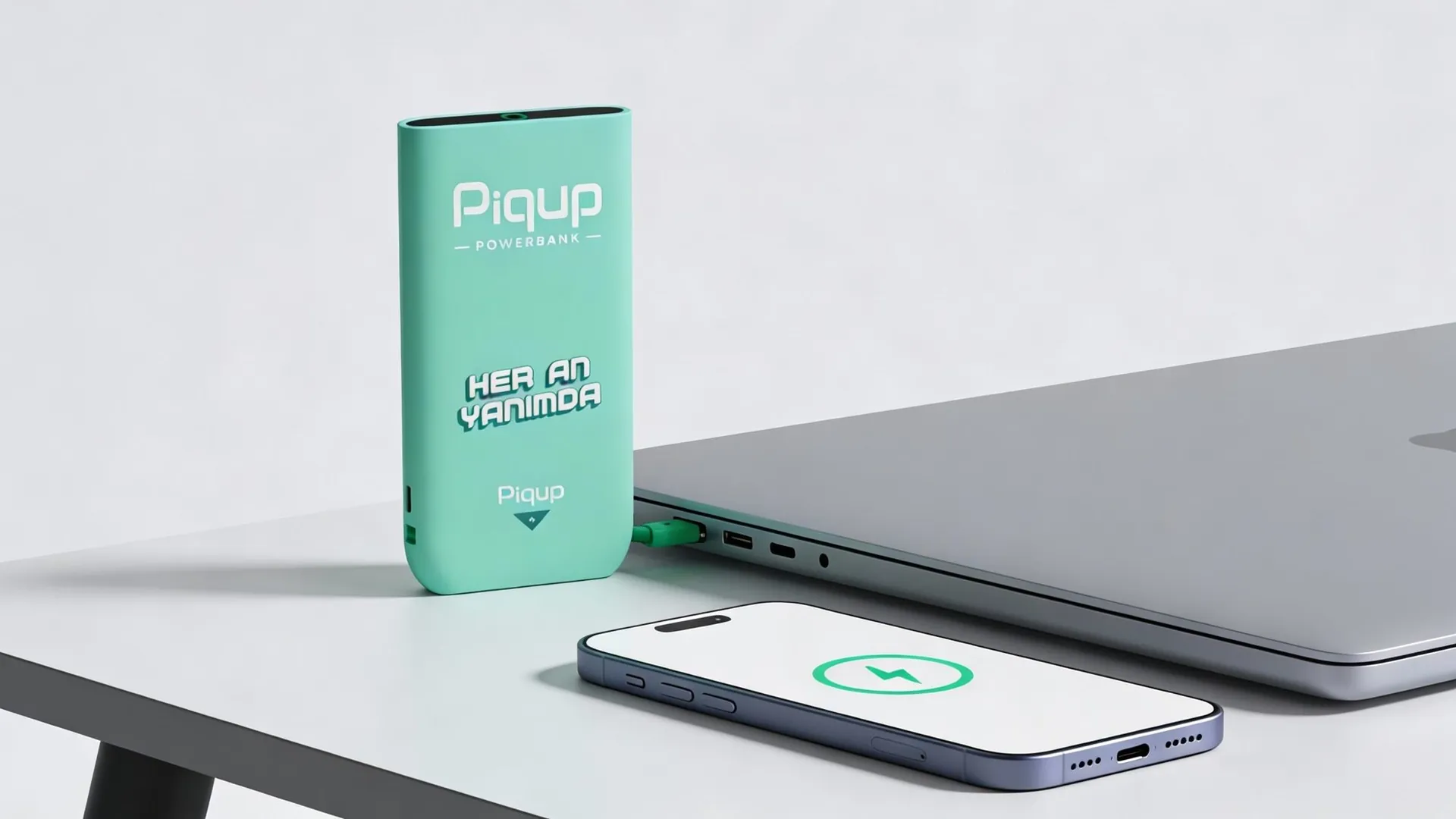
Fast charging up to 22.5 W on compatible phones. You get more charge in the same amount of time than with a standard powerbank.
Example30 minutes
Illustrative image. Charging speed varies by your phone, the charging technology it supports and battery condition.
No cables to carry; your phone and your earbuds charge from the same powerbank.
Full speed on phones that support fast charging. Your phone fills up before your coffee's gone.
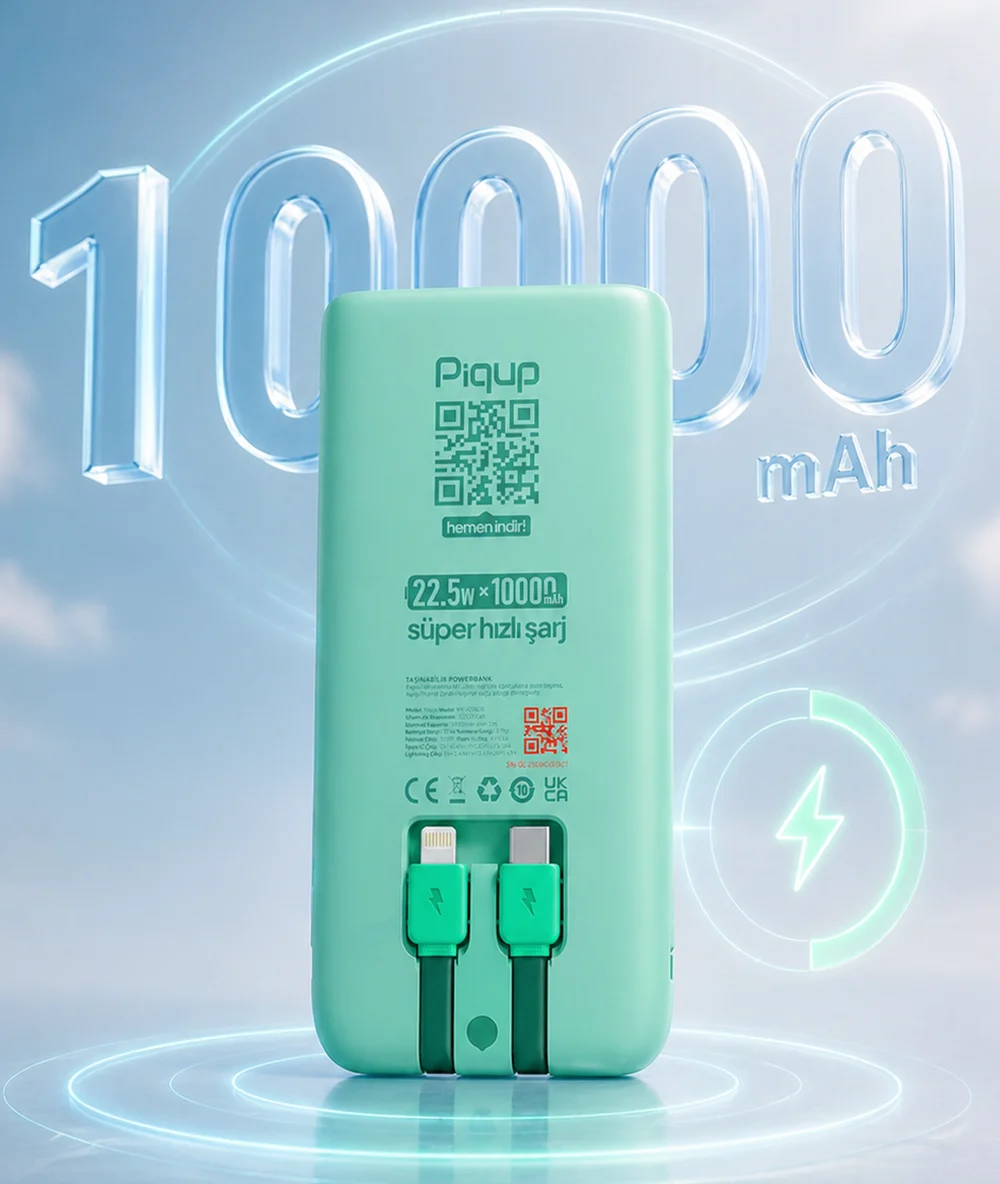
Charges most phones fully more than once; it also charges iPad and MacBook.
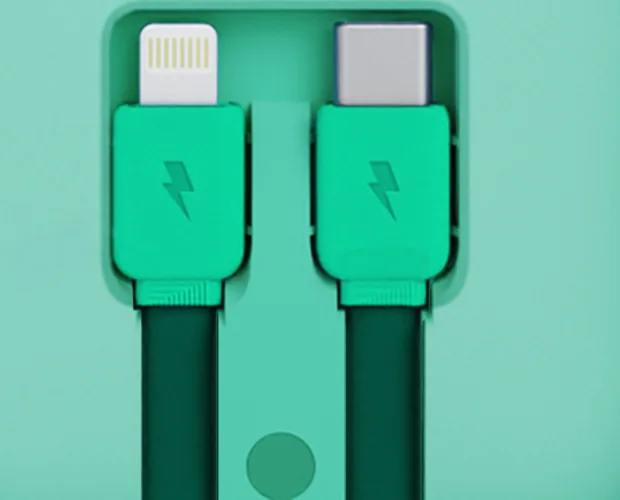
Type-C and Lightning built into the body; works with phones, tablets and earbuds. No digging through your bag for a cable.
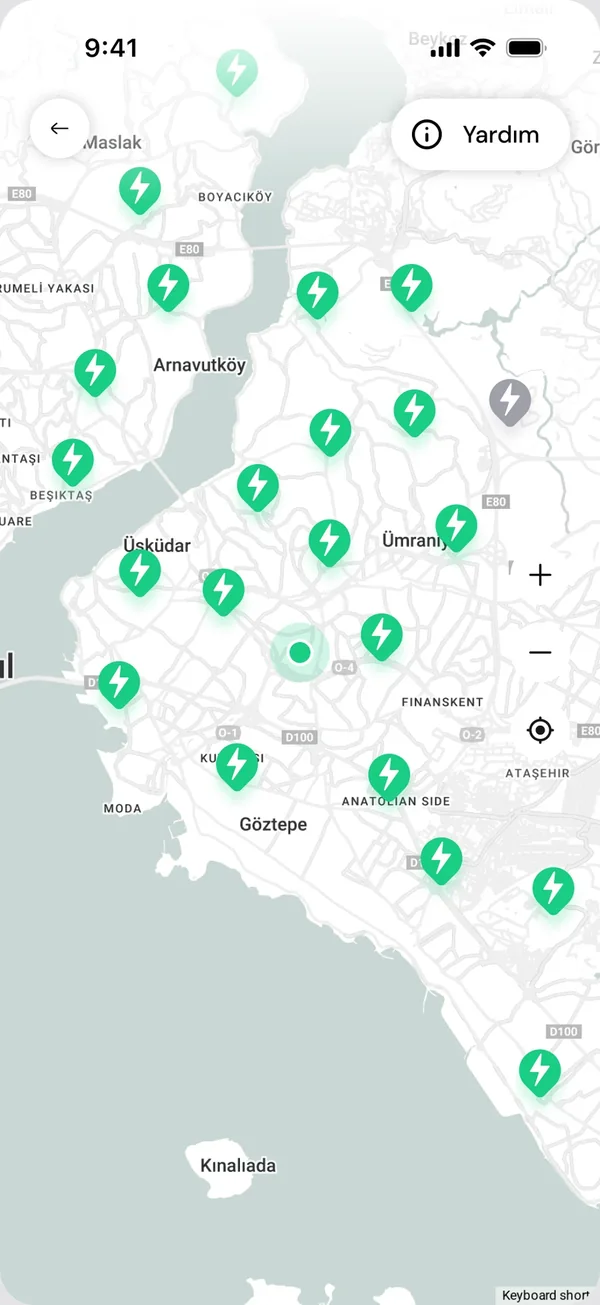
Tap a station and you see it all: whether it's open, whether you can rent and return there, and how far away it is. No surprises at the door.
From café chains to campuses, Piqup stations in nearly 40 provinces are where you go every day. The current list is on the app map.















The same care for your phone, your card and the powerbank you use.
It never gives your phone more energy than it can handle; protected against short circuits and overheating.
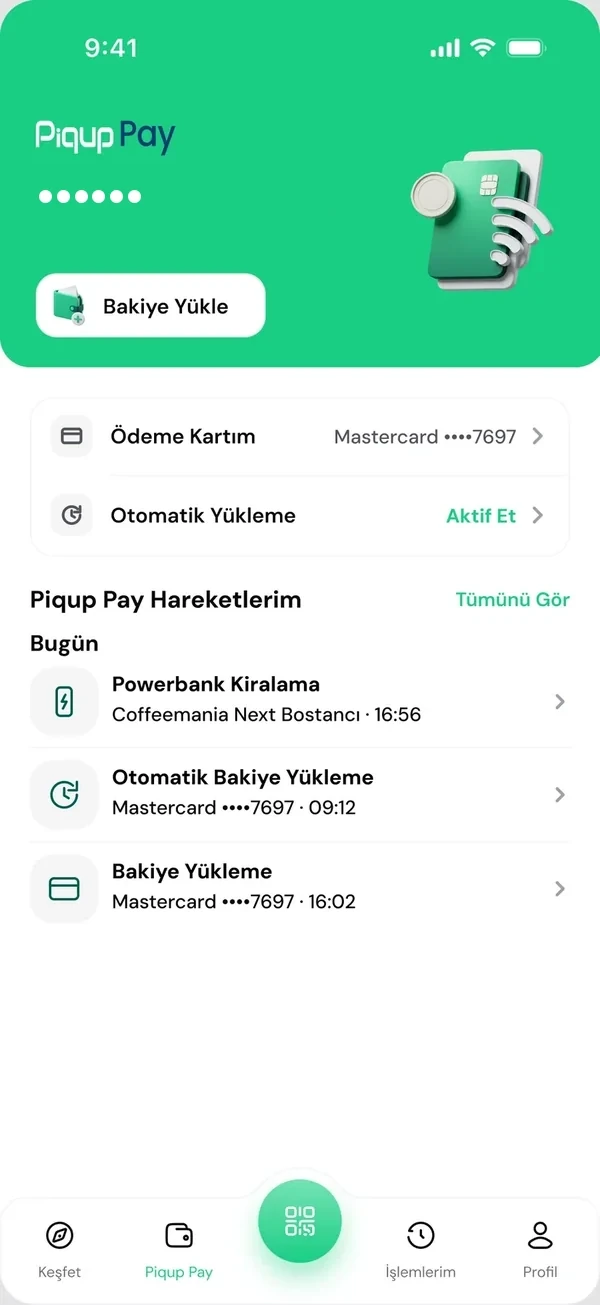
Your card details aren't stored by Piqup, they're kept by the payment provider. You see a record of every rental in the app.
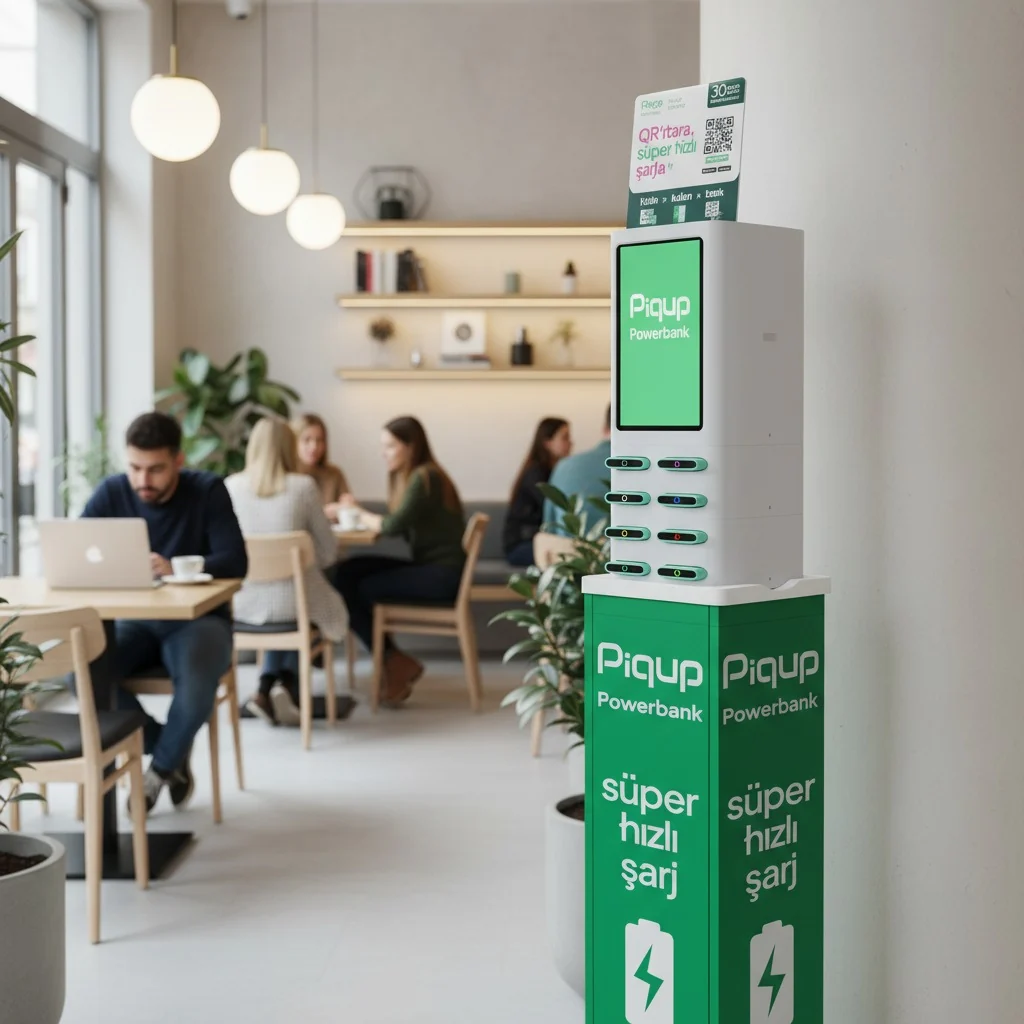
Our field team checks the stations regularly, cleans the powerbanks and replaces them. Each station's status is always up to date in the app.
Our powerbanks have passed international safety tests. The marks are printed on the product label; you'll find them all on the Safety page.
For anything you can't find here, Help in the app is open 24/7.
iPhone and Android phones, iPad and tablets, earbuds. It also powers laptops that charge via Type-C and MacBook. Lightning and Type-C cables are built into the body of the powerbank.
By the minute. You pay only for the minutes you use; no deposit or prepayment. You see the per-minute price in the app before renting, when you select the station.
Plug the cable into your phone and press the button on the side of the powerbank once. When the lights come on, charging starts.
Plug it into an empty slot at any Piqup station. When you hear the click, the rental ends and you'll see it in the app.
Yes. You can charge it through the Type-C port and keep using it.
You return it to any Piqup station within 96 hours of the start of your rental. The app will remind you.